On This Page
From January 01, 2023, TOS R21-3 Classic is EOL. Technical support will be available for a limited period to customers with Extended Support agreements.
Sending Files to Tufin Support
Overview
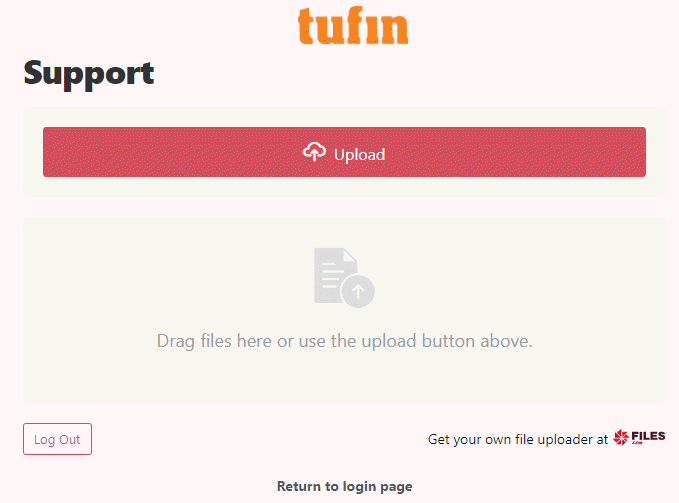
Tufin’s Filer lets you securely send files to Tufin Support in a fast and secure manner via our SSL encrypted website https://transfer.tufin.com/u/support. The upload process sends a verification email to the address you enter, which includes a unique link to the file upload web page. Files uploaded to the Tufin Filer are deleted after two weeks.
Uploading a File
-
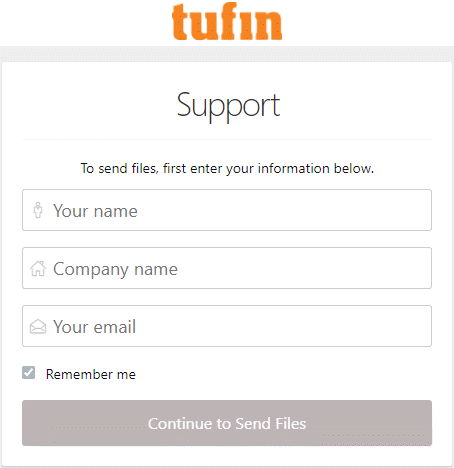
Go to https://transfer.tufin.com/u/support
-
Enter you name, company name, and email address and click Continue to Send Files.