On this page
Adding Legacy SecureChange Licenses
Overview
The SecureChange licensing components are included in the SecureTrack license file. To obtain a license, please contact your Tufin partner or reseller. Once you have the license file, install it in SecureTrack's Licenses page, and update the license in SecureChange. After you install the license, you need to manually refresh the license status in SecureChange.
In addition, licenses automatically synchronize once a day around midnight.
The license status is not visible to Requesters. (Users who can only submit requests.)
Install a license
See Adding Licenses.
Update the license status in SecureChange manually
-
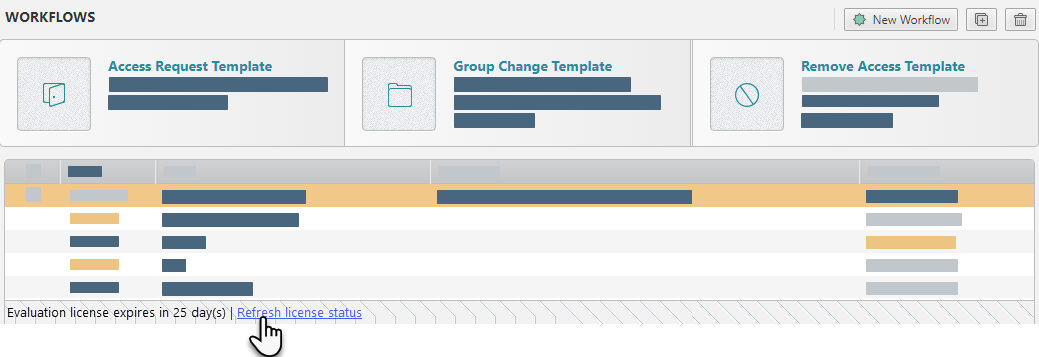
In SecureChange, click Refresh license status at the bottom of the SecureChangewindow
Was this helpful?
Thank you!
We’d love your feedback
We really appreciate your feedback
Send this page to a colleague