On This Page
Overview
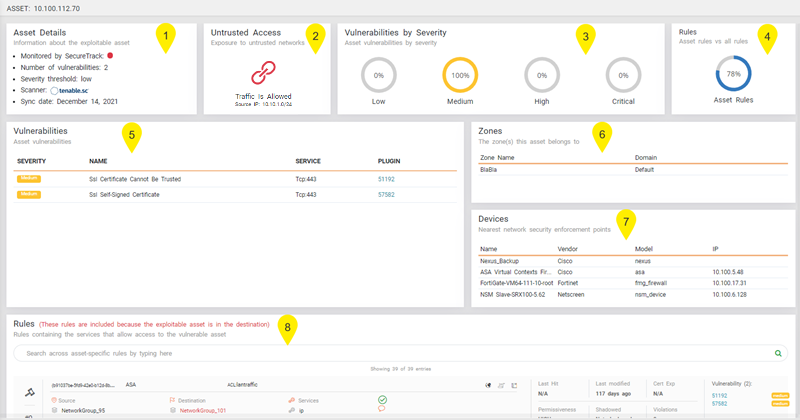
You can view detailed information on individual assets in the Asset Profile page, which provides you with a comprehensive breakdown of the security status for each specific asset.
This page allows you to gather additional information, which you may need to prioritize which assets should be removed using SecureChange, and which assets should be remediated through patch management.
You can access the Asset Profile page from:
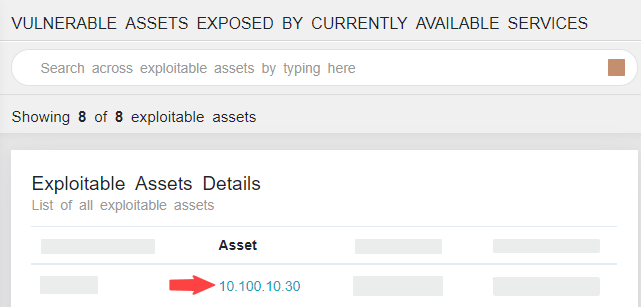
- The Assets menu, by clicking on the link to the asset.
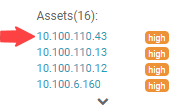
- The Rules menu, by clicking on the link to the asset.
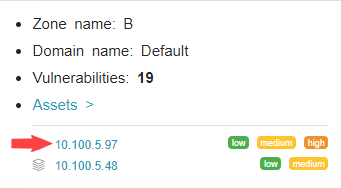
- The Zones menu, by clicking on the Assets link, and then the link to the asset.
What can I see Here?
The Asset Profile page includes the following sections:
-
Asset Details: Additional details on the asset - indicator if app is monitored by SecureTrack, number of network-based vulnerabilities detected, name and severity level of the vulnerability management system (VMS), and synchronization date.
-
Untrusted Access: Indicator if asset is exposed by the internet or untrusted networks.
Click
 for asset topology details.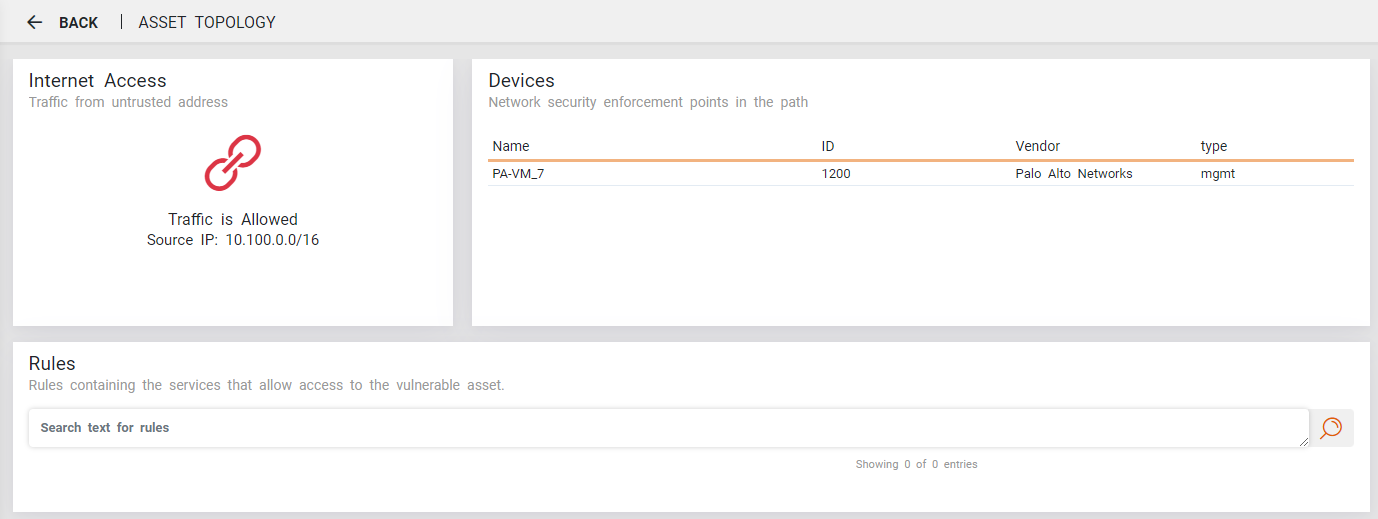
If there is more than one untrusted address, click
to see the list of untrusted routes.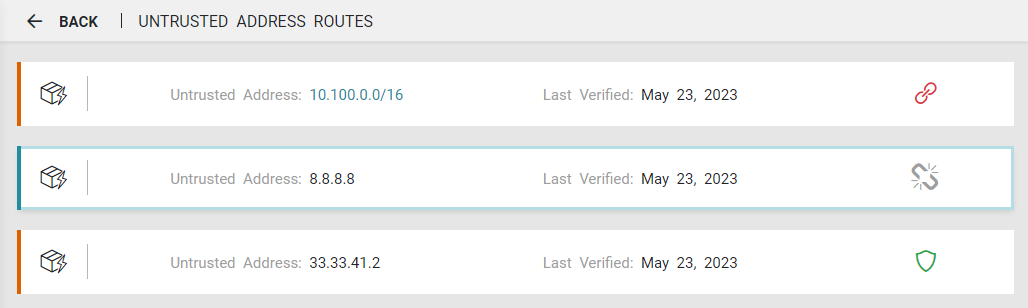
-
Vulnerabilities by Severity: Network-based vulnerabilities by severity type for the asset.
-
Rules: Percentage of exploitable rules in asset from all exploitable rules detected.
-
Vulnerabilities: Detailed information on the asset's network-based vulnerabilities.
-
Zones: The critical zones in which the asset is included.
-
Devices: The nearest network security enforcement points.
-
Rules: Table listing all the rules containing services that can be used to exploit the vulnerable asset. This is the same as the Rules menu.
In addition, for assets that are blocked or unblocked, you can use the Actions list ( ) on this page to: